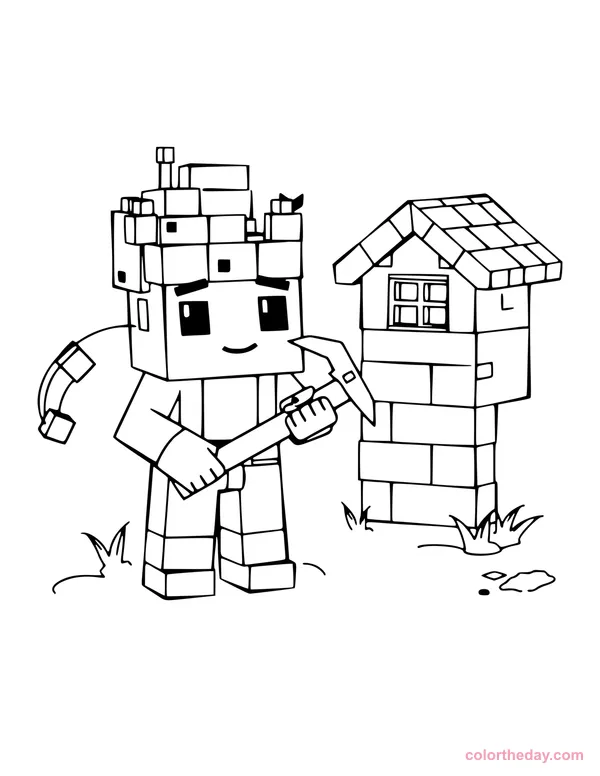
Blocky Hero with a Pickaxe
96 spaces to color
Build, mine and color! These free blocky-world coloring sheets are original designs inspired by the world’s favorite block-building game: cube heroes, block houses and boxy farm animals with chunky outlines that are fun to fill in.
2 printable pages · US Letter PDF · Updated
96 spaces to color
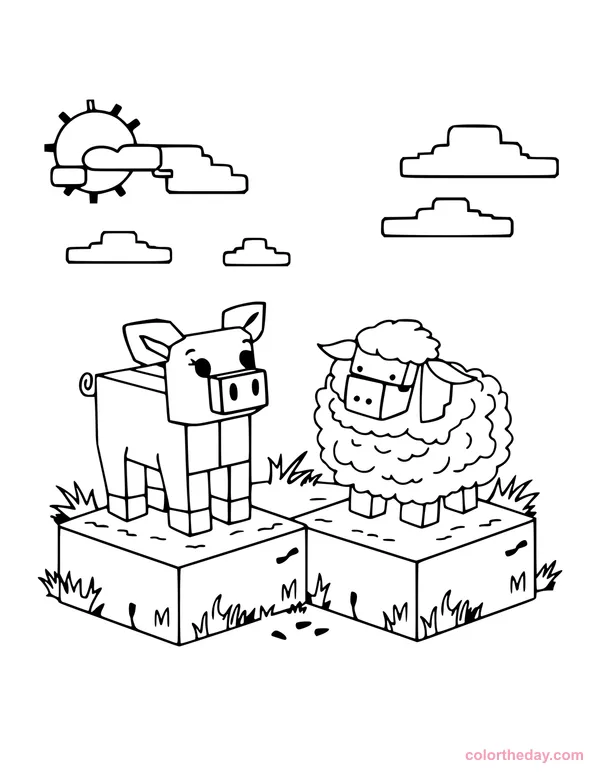
62 spaces to color
This collection has two original block-style coloring pages, each with its own printable PDF, plus a combined PDF so you can print the whole set at once. The art is made of chunky squares and cubes with thick outlines, which makes it perfect for coloring square by square.
We’re adding more blocky designs, so check back soon for new worlds to color.
| Age | Try this page | Why it works |
|---|---|---|
| 3-5 years | Blocky Farm Animals | Large squares and simple animals |
| 6-8 years | Both pages | Great for practicing patterns and neat coloring |
| 9+ and teens | Blocky Hero with a Pickaxe | More squares to shade with pixel-style textures |
Color one square at a time. The secret of block art is texture. Instead of coloring a whole wall one color, use two or three shades and alternate them from square to square. Your page will instantly look like a real game texture.
Build a block color palette:
| Block | Suggested colors |
|---|---|
| Grass top | Light green, green, olive |
| Dirt | Light brown, brown, dark brown |
| Wood / house walls | Tan with dark-brown lines |
| Leaves | Dark green with a few light-green squares |
| Stone | Light grey and grey (leave a few squares white) |
| Sky | Light blue; leave the clouds white |
Make the pickaxe shine. Color the handle brown and the head grey for stone, light blue for a sparkling “diamond” pickaxe, or yellow for gold.
Add shading with pressure. Press harder on the bottom and right side of each block, and lighter on the top and left. It makes the cubes look 3D, as if sunlight is coming from the top-left corner.
Use the right tools:
Scroll up, tap Download PDF on your favorite page, and start building your colorful block world!
Yes. All of our blocky-world coloring pages are free to download and print for personal, family and classroom use. No account or email is needed.
Treat each square like a pixel. Pick two or three shades of the same color (for example light green, green and dark green for grass) and alternate them square by square. That checkerboard-style mix is what makes block art look textured.
Find the block scene you want and tap its “Download PDF” button, or press “Download all” for the whole set in one PDF. Open the file, choose Print and set “Fit to page”. Pages are US Letter (8.5 × 11 inches) with half-inch margins, so A4 paper works as well.
Yes. The square shapes are great for practicing fine motor control, counting, patterns and even early lessons on area and grids. You can print as many copies as your class needs.
Younger kids (3-6) usually love the Easy Blocky Farm Animals page with its big square pig and sheep. Older kids who want more to color can try the Blocky Hero with a Pickaxe, which includes a little block house and sprouting plants.
Browse all Video Game Coloring Pages →